
What can I do with my annual or impact report once it’s finished?
Creating an annual or impact report is a big accomplishment for any nonprofit. You’ve done the work—now what? A report isn’t just a document to file away; it’s a tool to engage supporters, attract new donors, and showcase the difference your organization makes.
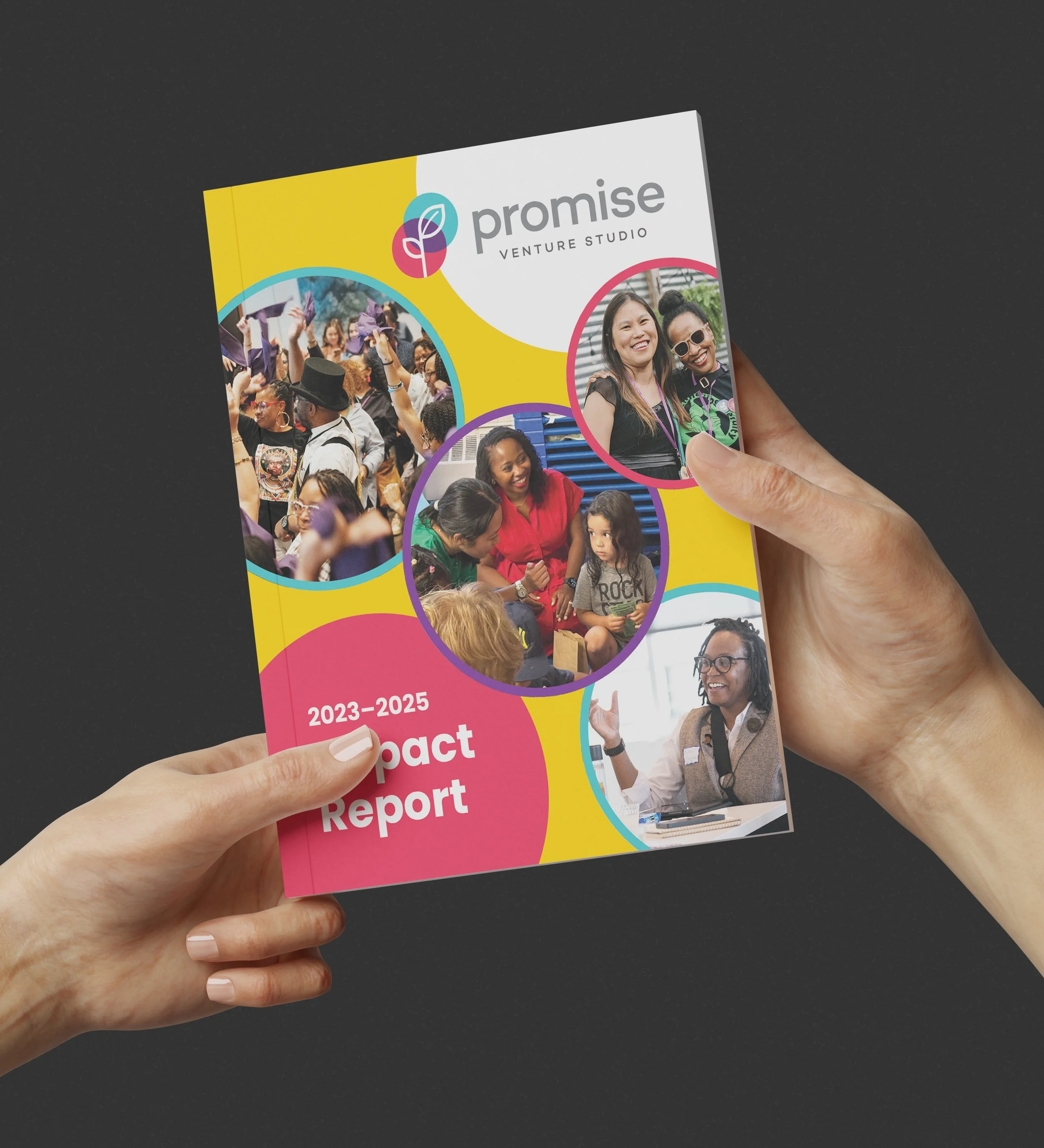
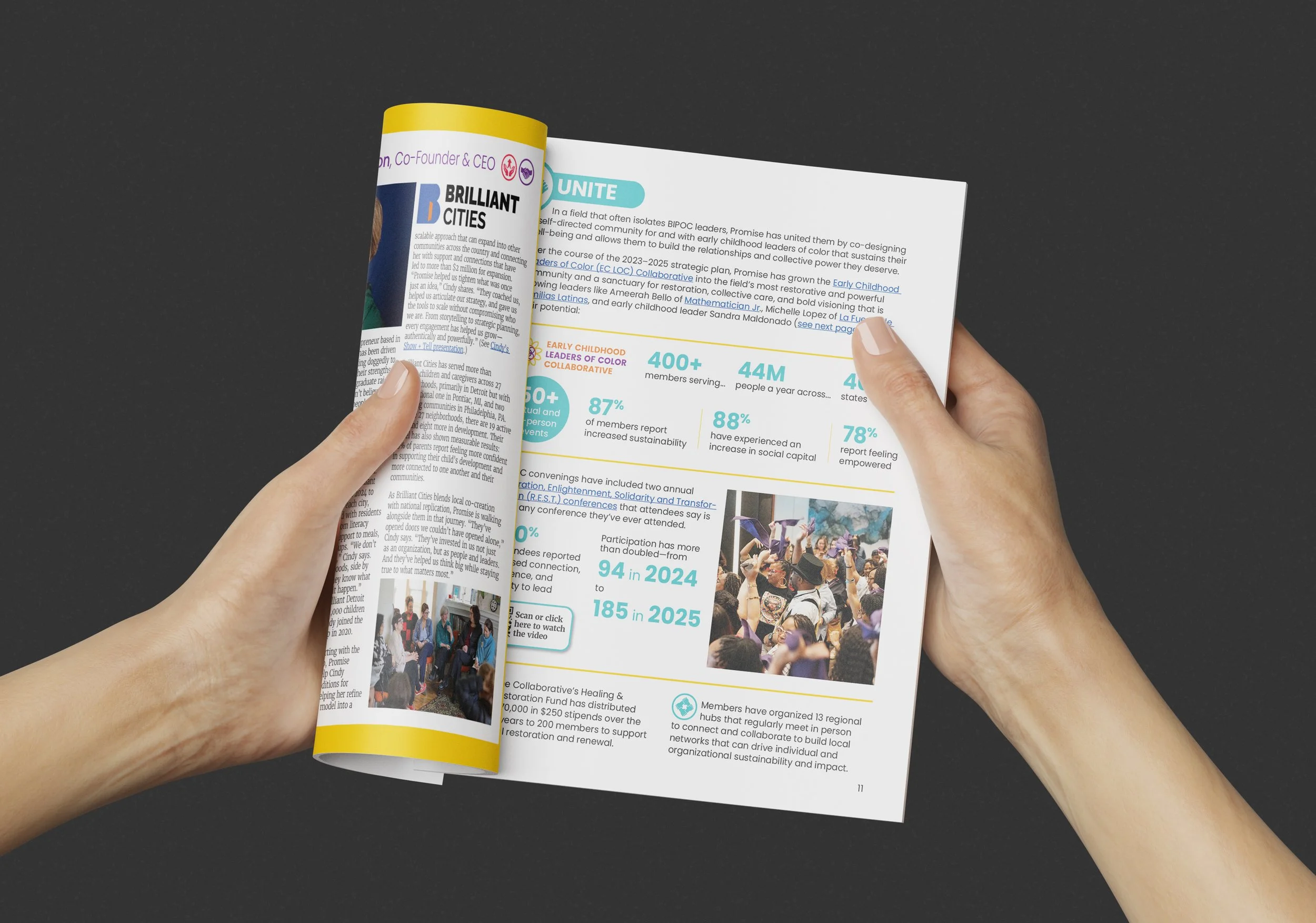
Here’s how to make the most of your report—both in print and digitally.
Print Version
Take it with you… and leave it behind
Always have a few reports on hand when meeting with donors, partners, or volunteers. They’re a great reminder of why your organization is such a great one to support. If you already have a leave-behind packet, add your report to it for maximum impact!
Put it all out on the table
Any time your org has a table at an event, display a few copies of your report. Most people won’t take one, but a few will—but the ones who do could become valuable additions to your community.
You’ve got mail
Who doesn’t love to receive mail that isn’t junk or a notice from your insurance company? Send your reports out to the VIPs of your organization—the board, major donors, or key volunteers. Include a handwritten note for bonus points!
Applications
Applying for a grant? Include your report to demonstrate credibility and show tangible results. It’s a simple way to make your application stand out.
One for the team
Make sure every team member gets a copy. Maybe with a handwritten note thanking them for their hard work that impacted this impact!
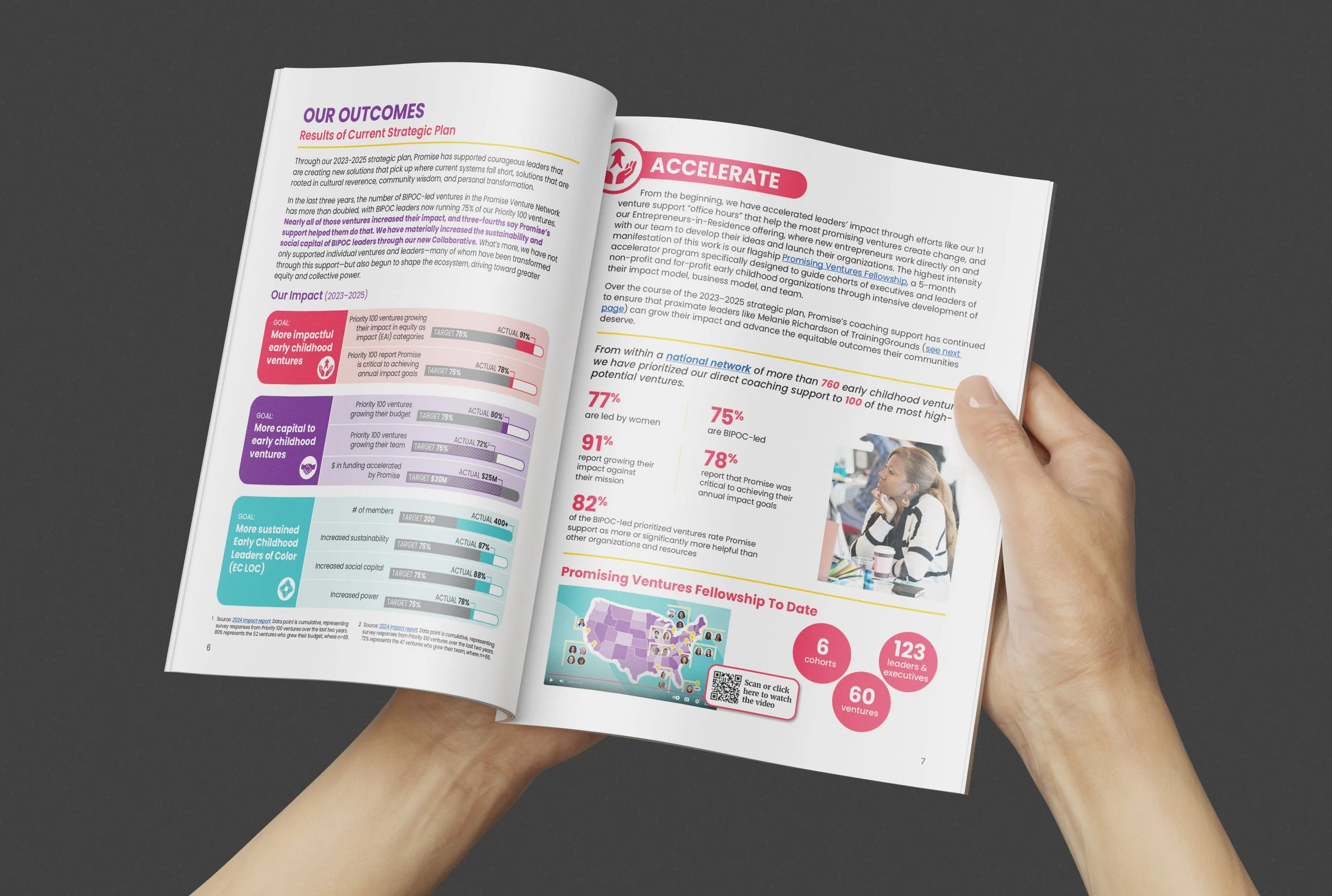
Digital Version
Email it to everyone (yes, everyone!)
While you might only mail a physical copy to select VIPs, your digital report can reach your entire community! A new impact or annual report is a perfect topic for your email newsletter. Ideally you’ll link to an online version, rather than attaching it directly.
Show it off on your website
See my blog about different ways to present the report online. I like Adobe Publish Online because you can embed it directly on your website and it’s free. This makes it super easy to share. Make sure it’s easy to find on your website—either on an Impact or Resources page.
Snackable social posts
Find an even wider audience by posting about your report on all of your socials. You can even pull out individual pages or graphics from your report and use them as posts—creating a series that will keep you swimming in content.
Highlight your stories
Pick one or two powerful stories from your report and turn them into short blog posts, social media threads, or quick case studies. Adding photos, quotes, or short videos makes the impact feel real—and keeps your audience interested.
An annual or impact report doesn’t end at printing or publishing. It’s a communication tool with multiple uses—an invitation to celebrate your wins, demonstrate accountability, and inspire action. By strategically using both print and digital versions, your report can extend far beyond the page, building stronger relationships and amplifying your organization’s impact.
FAQ: Making the Most of Your Impact or Annual Report
Q1: Why should I share my impact or annual report beyond printing it?
Your report isn’t just a document—it’s a tool to engage supporters, attract donors, and show the real difference your organization makes. Sharing it widely helps build credibility, celebrate your wins, and grow your community.
Q2: Can I use the same report for print and digital purposes?
Absolutely! While a print report is great for meetings, events, or VIP mailings, a digital version lets you reach a wider audience online. You can repurpose content for social posts, newsletters, blog posts, or interactive web experiences.
Q3: How do I make my report more engaging online?
Break it into smaller pieces: highlight stories, create snackable graphics, or turn key stats into visuals. Embedding the report on your website and sharing highlights on social media makes it easier for people to explore and share.
Q4: Who should receive my report?
Everyone who supports your mission! VIPs like donors and board members should get physical copies, while your wider community can access the digital version. Internal staff should also receive copies to feel recognized and stay informed.