
Best Ways to Publish Your Annual Impact Report: Beyond Just a PDF
How do nonprofits choose the right way to publish their annual impact report — from free PDFs to interactive digital experiences?
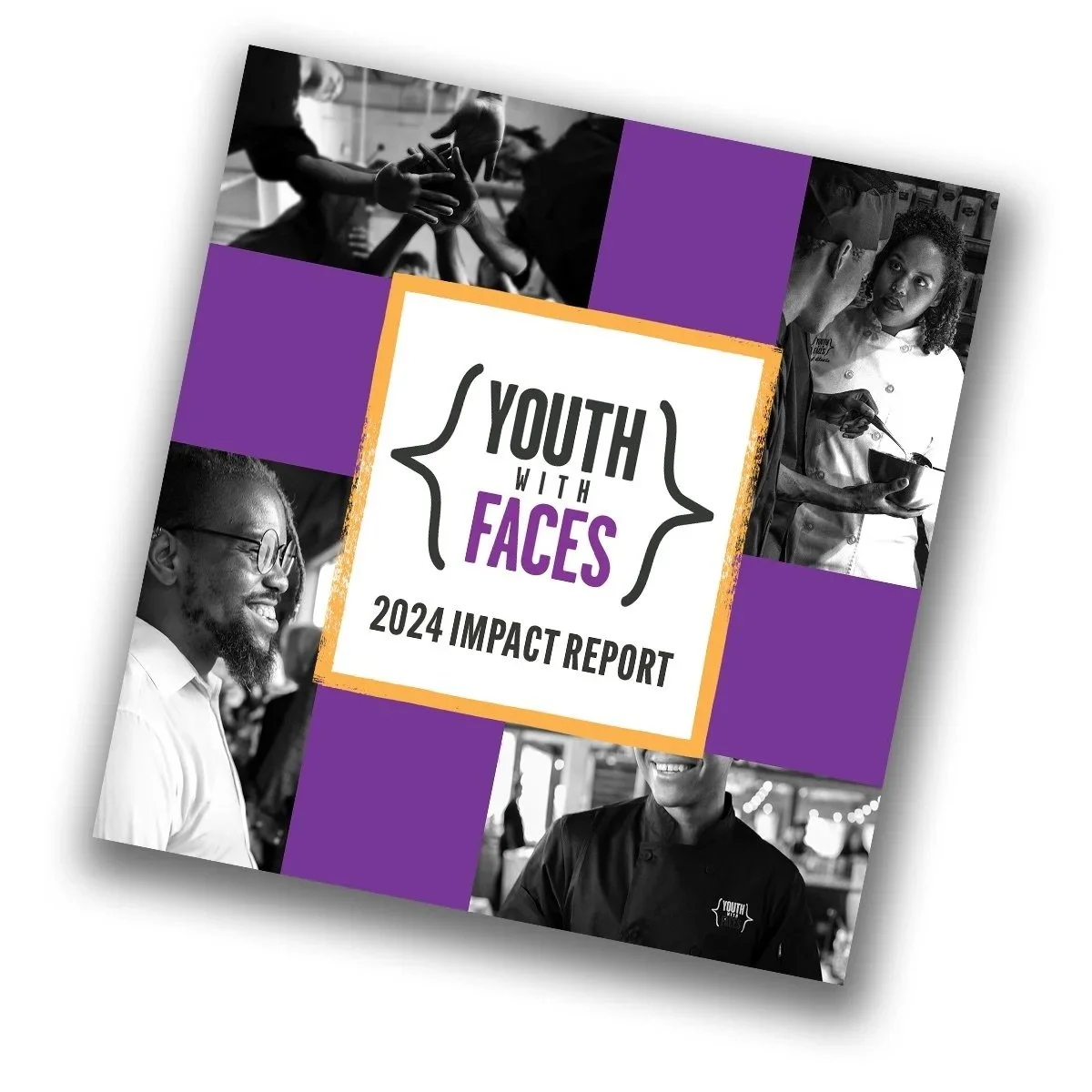
Sharing your annual impact report doesn’t have to be as basic as a PDF attachment. Depending on your audience, budget, and goals, you’ve got several options — from simple web-friendly PDFs to interactive flipbooks and publishing tools that feel like a magazine. This post walks through those choices so you can pick the publishing method that helps your nonprofit in education or youth work connect with supporters, celebrate impact, and make your story easy to explore. (And if you’re working with me, some of those options come built right in — more on that below.)
Start Simple: Adobe Publish Online
For professional designers, Adobe Publish Online is one of the easiest ways to put your report on the internet. It’s free, creates a shareable link, and can be embedded on your site. The trade-off? It doesn’t offer that “page flipping” effect. It is simple, clean, and effective.
Level Up: Digital Flipbooks
For those who want the visual effect of turning pages, there are a lot of services out there that give your report a virtual magazine feel. Flipbooks can level up the presentation of the report and enhance the reader’s experience. Paid subscriptions can run around $200/year — worth it if you’re publishing multiple pieces, but harder to justify for one or two reports a year.
✨ Working with me? A flipbook version of your report is included, free. When I design your report, I provide a flipbook version at no extra cost — and it can be embedded directly and easily on your website. No subscription, no extra setup, no added line item. It’s one of my favorite things to offer clients because it gives your report that polished, page-turning presentation with zero added stress on your end.
Canva + Third-Party Tools
Whether or not your design is made in Canva, you’ve got some additional publishing options right inside the platform. Canva integrates with services like Simple Booklet and Hey Zine, which you can also access directly through their websites.
Simple Booklet: Lets you create a custom URL for sharing and has a reasonably priced premium plan at $60/year.
Hey Zine: Offers up to five books at a time for free. The Hey Zine branding is minimal and tucked away in the corner. You don’t get custom URLs, but the end product looks professional.
👉 Sample: Youth With Faces Impact Report on Hey Zine
For many, launching these through Canva might be easier if you’re already familiar with the platform — but it also works to go straight to the source!
Final Thoughts
Whether you keep it simple with Adobe, go interactive with a flipbook (included if you’re working with me!), or experiment with platforms like Simple Booklet and Hey Zine, the key takeaway is that you have choices. These tools make your report easier to access and share, but what truly makes it shine is the content and the design. A thoughtfully crafted, well-designed report will always stand out — no matter the platform — by clearly illustrating your organization’s impact and drawing your audience in.
FAQs
-
A digital flipbook is an online version of your report that mimics the experience of flipping through a physical magazine or book. Instead of downloading a static PDF, readers can browse through pages directly in their browser — and you can embed the whole thing on your website. It preserves all the visual design of your report while making it immediately accessible to anyone with a link.
-
A PDF is a file — someone downloads it, opens it in a separate viewer, and hopefully reads it. A flipbook lives on the web. It’s instantly viewable in any browser, easy to share, and removes the extra steps that cause people to click away before they even start reading. For busy supporters, board members, or funders, that friction reduction makes a real difference in whether your report actually gets seen.
-
Nonprofits in education and youth services that have invested in telling a strong story and want it presented in a way that does it justice — without having to become a publishing expert. If you’re working with a designer and want the finished report to live on your website in a polished, accessible format, these tools (including the free flipbook I include with every report I design) make that easy.
-
Your report becomes easier to share, easier to read, and more likely to actually get opened. Beyond the practical benefits, a well-presented report signals that your organization communicates with intention — which matters to funders, partners, and donors who are evaluating you through everything you put out.
-
Because your audience is busy. A report that’s visually clear, well-organized, and easy to navigate respects their time and makes it much easier to find the moments that resonate. Design isn’t decoration — it’s how you guide someone through your story, highlight what matters most, and leave them with a real sense of your impact. The publishing format is the last mile: it makes sure all that work actually reaches the people you made it for.