
Top Websites for Free and Affordable Icons and Photos in 2025
Where can nonprofits find mostly free icons and photos for their designs and communications?
Finding great visuals doesn’t have to drain your time or budget — especially when you’re working with education and youth programs that rely on clear, engaging design. In this post, we walk through the best mostly free websites for icons and photos in 2025, focusing on tools that offer flexible licensing, easy access, and visual styles that help nonprofit materials look polished and intentional.
Icons
If You Only Occasionally Need Icons
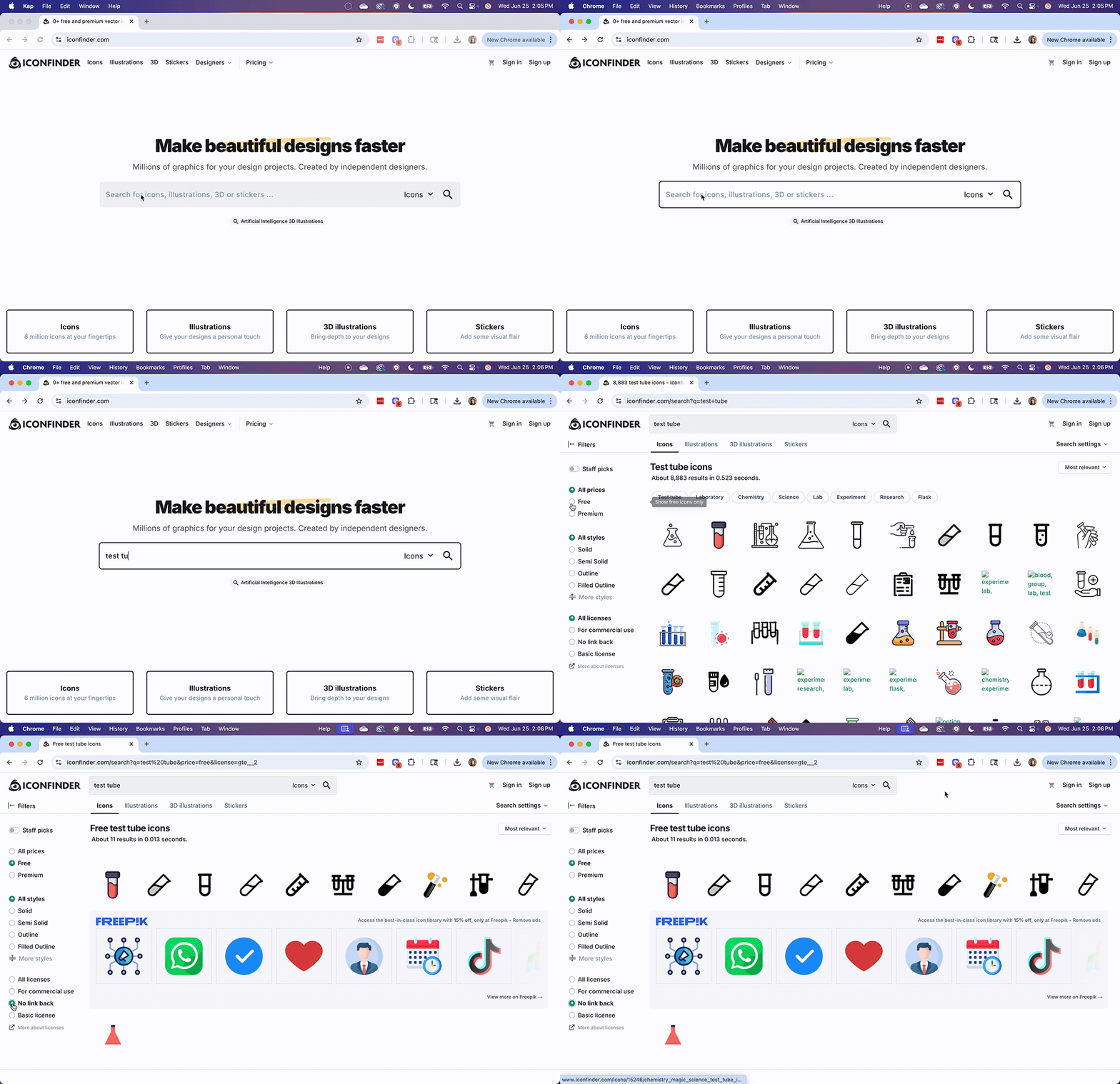
If you only need a handful of icons a year—say for a one-pager, slide deck, or that one time someone asked you to “jazz up” a Google Doc—IconFinder is a solid go-to. You can filter results to show only free icons with “No Link Back” (meaning you don’t need to credit the designer), and while the selection isn’t massive, you’ll usually find something that works.
New in 2025: IconFinder has improved its filtering tools and added AI-generated icons, which are great for hyper-specific or offbeat needs.
Willing to pay a couple bucks for just the right icon? Most paid options are $2–$3 each. Bonus: they have a built-in editor, so you can tweak colors, add or remove elements, and export in different formats without needing fancy software.
If You Use More Than 20 Icons a Year
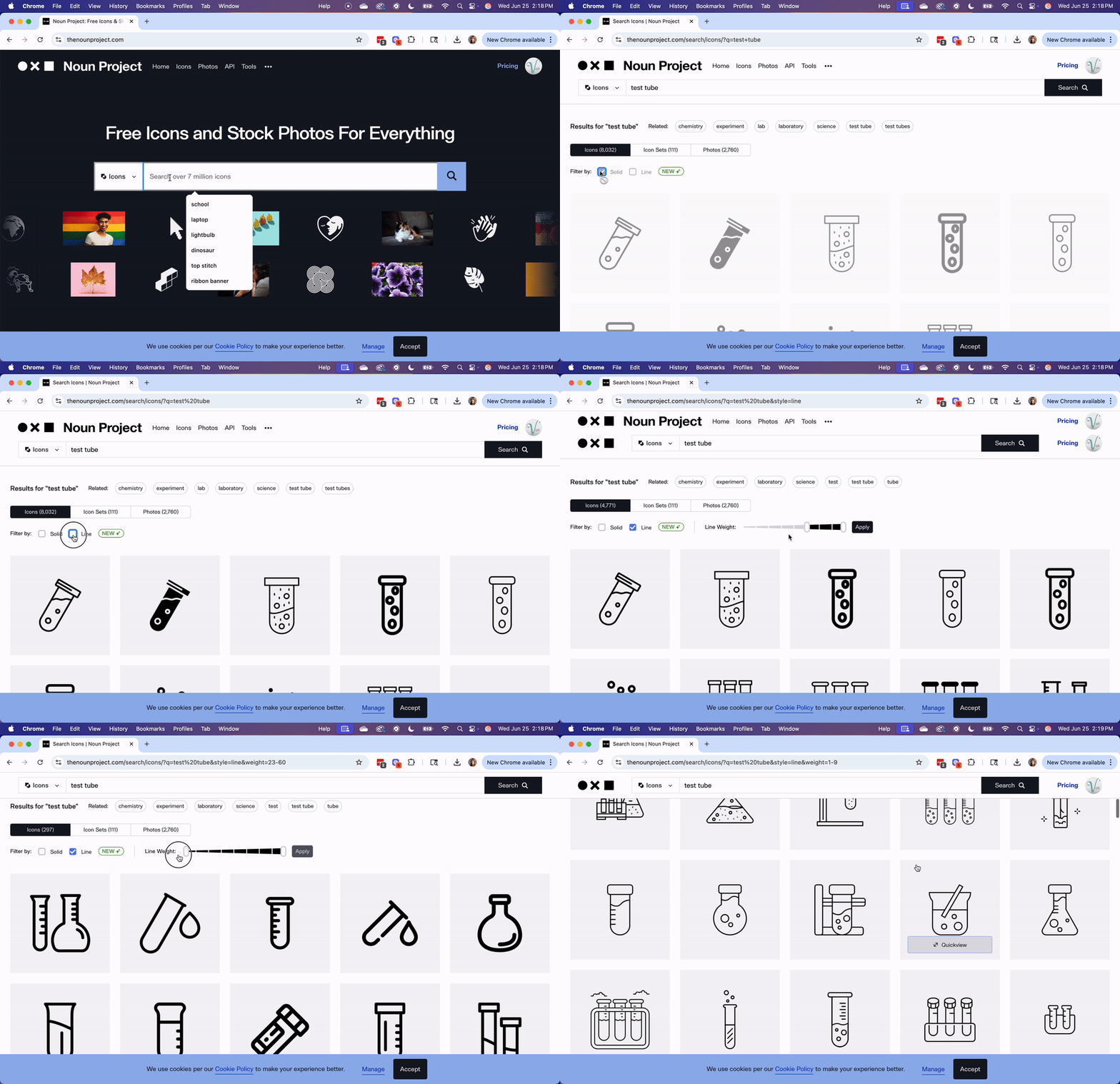
My go-to resource is still The Noun Project. For $40/year, you can download unlimited icons and use them without attribution. The Noun Project also allows you to customize icon colors directly on their site.
For 2025, The Noun Project allows you to filter by “solid” or “line”—which makes matching your brand or project aesthetic way easier. They’ve also rolled out some handy editing tools, including resizing and layering, right in the browser.
Pro Tips for Finding the Right Icon
Be specific with your search. Looking for an icon for “equity in education”? Start with Google, get a feel for what you want, then search more intentionally on icon platforms.
Match your style. Most sites let you filter by outline, solid, or filled styles. It makes a big difference when you're trying to keep things consistent.
Always check the license. Look for “Free for Commercial Use” or “No Link Back” if you’re using icons in public-facing work.
Photos


Trendy and Minimalist
Unsplash remains the go-to for high-quality, artistic stock photos. Its library is perfect for modern, minimalist designs and projects with a “hipster” or creative aesthetic. Filter by “Free” unless you’re willing to pay!
In 2025, they’ve added curated collections by industry—education, healthcare, tech, etc.—so you’re not stuck scrolling through 98 pictures of laptops on wooden tables.
Quirky and Fun
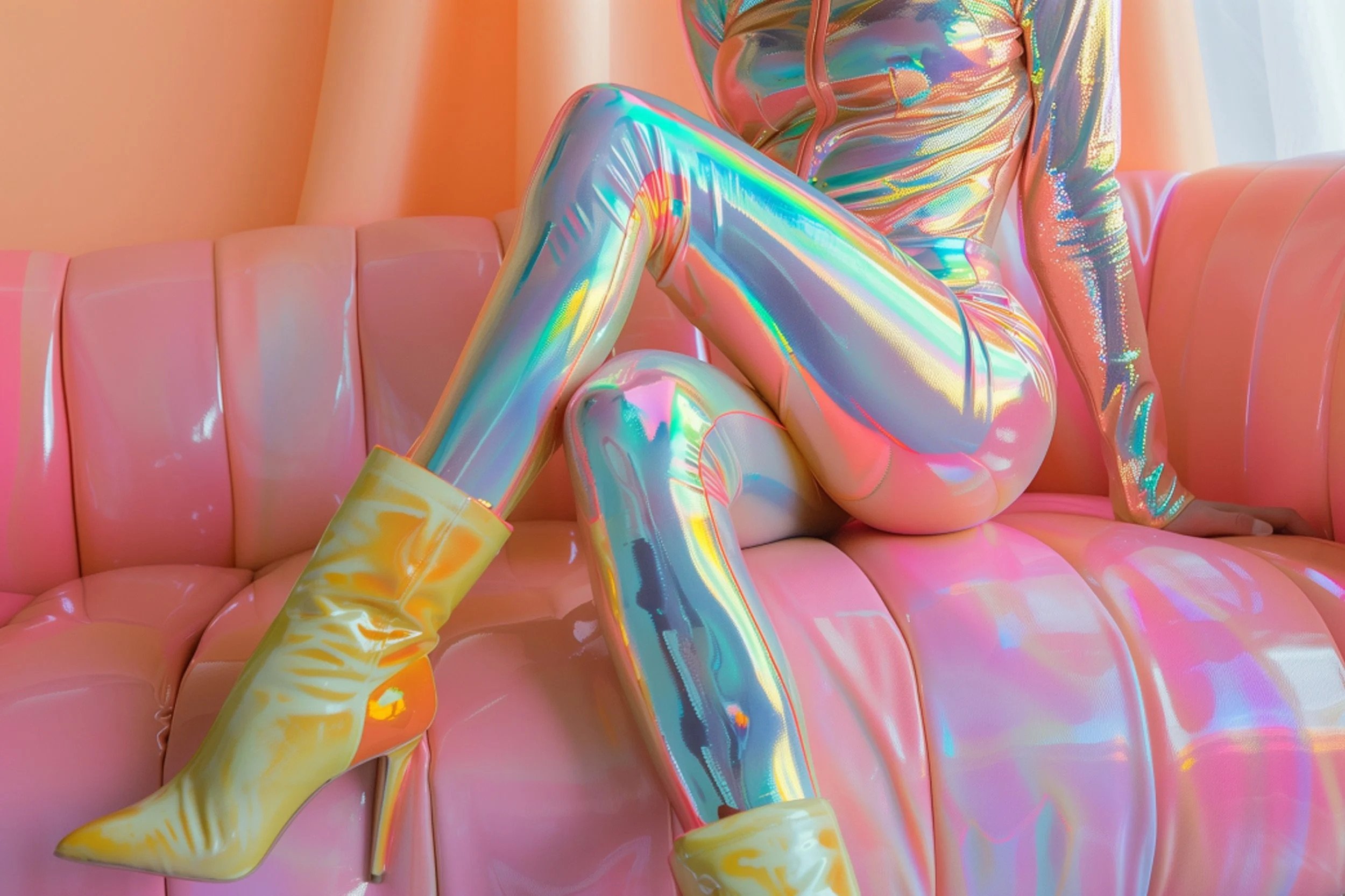
Need a photo of a man in a watermelon helmet? Or a squirrel holding a sparkler? Gratisography is for you. Their collection is full of playful, unexpected images perfect for injecting personality into your project.
For 2025 Gratisography has added more categories, including AI-generated surreal imagery, making it a great choice for unique visuals.

Inclusive and Diverse
If you’re looking for images that reflect the real world—across race, ability, gender, and identity—check out these two standout resources:
TONL offers a beautifully curated (paid) collection that celebrates real people and real stories. The photos are stunning and purposeful—ideal for equity-focused orgs or anyone trying to move beyond the usual stock photo clichés.
Disabled And Here is a free photo and interview series celebrating disabled Black, Brown, and Indigenous people. Images are available under a Creative Commons license and free to use with attribution. It’s a powerful resource for those seeking more authentic and inclusive representation in their design work.
What Makes a Good Stock Image?
When choosing stock images, keep these qualities in mind:
Authenticity: Skip the cheesy handshakes and staged smiles.
Relevance: Make sure the image supports your message, not just fills space.
Representation: Choose visuals that reflect the people and communities you're working with.
Conclusion
Whether you need a single icon or a full library of stock photos, the tools above offer plenty of options without maxing out your budget. With the right image and a thoughtful approach, your designs can do more than just look good—they can tell a story, make a point, and invite connection.
Happy designing!
FAQs
-
Sites like IconFinder let you filter to find free icons without attribution, and The Noun Project offers a large library with editing tools, making it easier to keep icon styles consistent across nonprofit materials.
-
Pixabay and Pexels offer large collections of free photos, both searchable within Canva, while Unsplash provides curated photo collections that can save time when you’re looking for a specific look or theme.
-
Consider how often you’ll need icons or photos, whether editing tools are important, and always review licensing terms so you know how the visuals can be used.
-
Yes. Stick to a consistent style, avoid mixing too many visual treatments, and double-check licenses to make sure your nonprofit’s use is covered.